The short answer
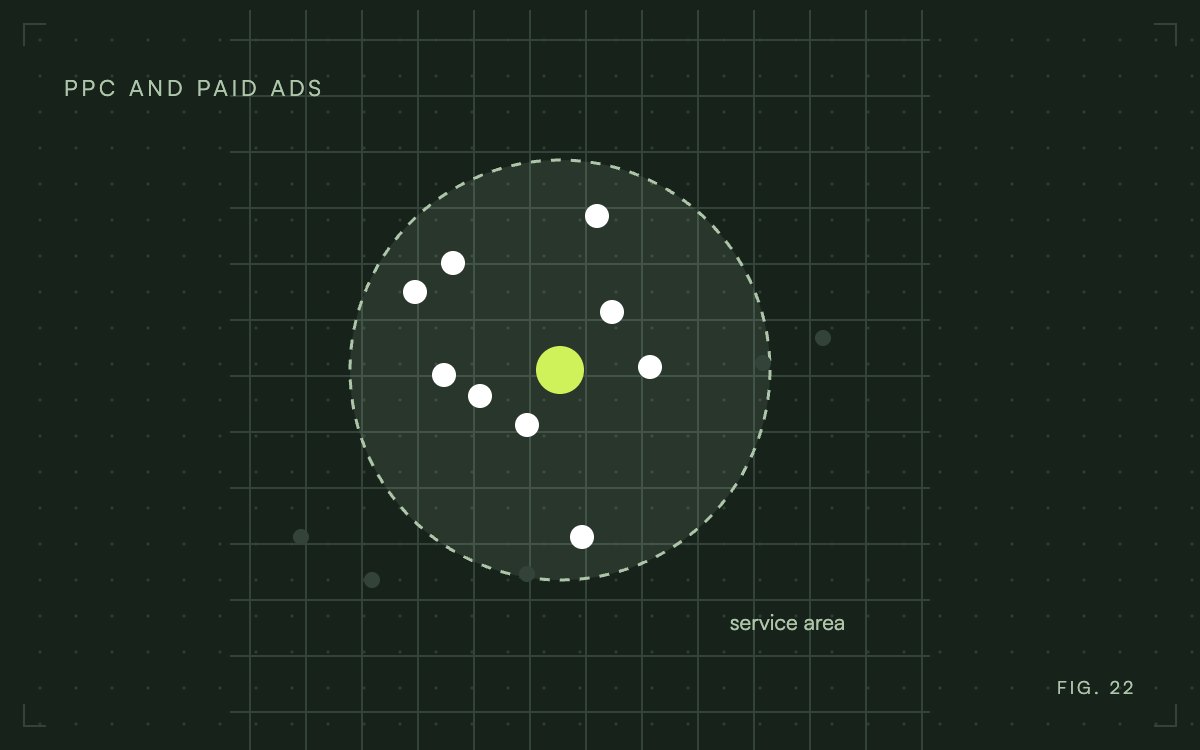
Local PPC is paid advertising, mostly Google Ads and Local Services Ads, that shows your business to people searching inside a set service area. You pay per click, or per lead with Local Services Ads. It works best when the ads reach only the area you can actually serve.
The reason local campaigns behave differently from national ones is the auction. Google weighs the searcher's location and search words, along with bids and ad quality, when choosing which ads to show, so a business with a 20 mile service area competes in a much smaller auction than a national brand. That makes local accounts cheaper to learn from and easier to waste money on, because a loose setting can quietly send your budget to people you cannot serve.

Where local ads appear
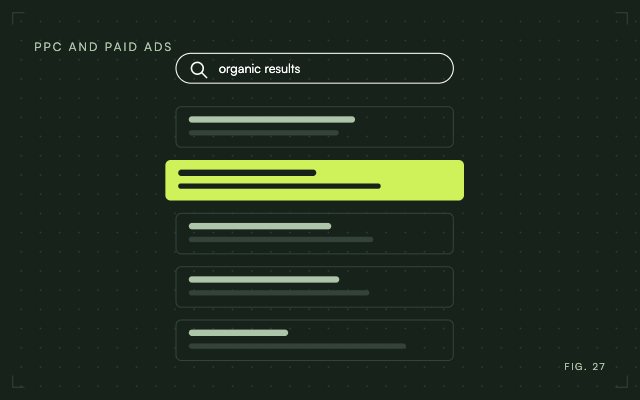
Standard Google search ads sit above and below the organic results. For many service trades, Local Services Ads appear above those. Ads can also show in Google Maps when someone searches there. Each placement follows its own rules, which is why the first choice is which one fits your business.
Search ads or Local Services Ads
With search ads you bid on keywords and pay when someone clicks. You control the wording, the area and the page people land on. With Local Services Ads you pay per lead, and Google shows its screening badge next to your business, but you have far less say over what the ad says. Eligibility depends on your trade and area, so check Google's list before planning around them.
Many businesses run both. Search ads give you control over the message. Local Services Ads put you in front of people who want a provider quickly. Free map pack placement from local SEO is a third source, and it takes longer to build, but it keeps working when the ad budget stops.
Look at the auction before you spend
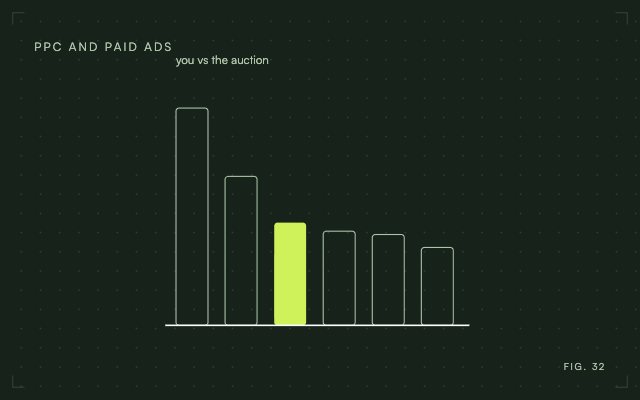
Local auctions are small enough that you can learn a lot by looking at them before you commit a budget. Search your main keywords from a phone inside your service area and note who appears, what they promise and where the click goes. The Auction Insights report in Google Ads shows which competitors overlap with you and how often. Look for a gap: a service nobody advertises, or a promise nobody makes. The PPC competitor analysis guide walks through the method.
Set the budget from what a lead is worth
Start from your own numbers instead of a round figure. Here is one example with stated assumptions.
Say a new customer brings you $1,000 in profit, and one in five leads becomes a customer. Each lead is then worth $200 in profit. If you decide to spend at most half the profit on winning a customer, your ceiling is $500 per customer, and dividing by five gives $100 as the most you can pay per lead.
Your numbers will differ. The method does not. Once you know the most you can pay for a lead, you can tell whether the keywords in your market allow it. The guide to cost per acquisition covers the calculation in more detail.
Set up the campaign in the right order
Do these before spending anything. Skipping the first or last is the most expensive mistake.
- Choose one goal: phone calls, form fills or store visits.
- Set up conversion tracking for that goal, so every call and form is counted.
- List the cities or ZIP codes you can serve in a normal week.
- Group keywords by the service they describe, one group per service.
- Build a landing page for each group that repeats the service and area from the ad.
Target the right area
Google Ads location targeting lets you choose between people in your area and people who show interest in it. For a business that serves customers at its own address, presence is usually the safer choice, because the broader setting can pull in researchers who will never visit. Google explains both in its location targeting documentation.
Target the cities you win in and exclude the ones you do not serve. After a week, open the search terms report and look for place names you did not expect. Add them as negative keywords.
Put local details in the ad
Put the city or neighborhood in at least one headline, and use the name people actually say. Use the neighborhood name people say, such as "The Heights," rather than a ZIP code range. Mention anything that makes a local visit easy, such as same day appointments.
Link your Google Business Profile so Google can show your address with the ad. Add a call asset so mobile searchers can ring you in one tap. Google does not show assets on every impression, so treat them as an addition to the ad and not a guarantee.
Responsive search ads accept up to 15 headlines and 4 descriptions, and Google tests the combinations. Give it real variety, then replace the weakest lines after a few weeks of data.
Keep keywords tight
Older advice says to build a separate ad group for every keyword. Google now matches close variants of exact and phrase keywords, so group closely related terms by intent and keep each ad specific to that group. Start with phrase and exact match, then widen only after the search terms look clean.
Negative keywords matter more in local accounts than most owners expect. Words like "jobs," "salary," "DIY" and "free" attract clicks that cannot become customers. Review the search terms weekly for the first month and block what does not fit.
Schedule ads around the hours you answer
A call ad at 9 p.m. wastes money if nobody picks up. Schedule ads for the hours you can respond. Then raise bids for the areas and times that bring your best customers. Open your landing page on a phone as well, since many local searches happen there, and make sure the phone number is visible without scrolling.

Deciding whether to run it yourself
The deciding question is whether someone can review the account every week. If so, start with a modest test budget set at your lead ceiling, and judge it after about a month of calls and forms, not clicks. If nobody can, a managed account costs less than months of unreviewed spend, which is the cost most owners underestimate.

Getting help with the account
If nobody on your team can give the account weekly attention, WGM builds and runs local campaigns for businesses across the Houston area. We start with tracking and the service area, then report on leads and cost per lead. See our PPC management service, or the Houston PPC page for how this works in this market.
Frequently Asked Questions
How do I improve the local ads I already run?
Start with the search terms report and block irrelevant queries. Then check that each ad group sends people to a page matching its service and area, and replace the weakest headlines. Fix tracking first if calls or forms are not being counted.
How long does local PPC take to show results?
Clicks start as soon as ads are approved, but judging performance takes data. Automated bidding usually needs a few weeks of conversions to settle, so avoid big changes in the first days and review cost per lead after that period.
Can a business with no storefront use local PPC?
Yes. Service area businesses can target the cities or radius they serve instead of an address. Local Services Ads also use a service area. List only the areas you really serve.
How is local PPC different from regular PPC?
It runs on the same platforms and bills the same way. The difference is geographic: you limit ads to a service area, use location and call assets, and compete in smaller auctions against nearby businesses.